QR Code Stickers

Make it easy for customers to connect with your business using premium custom QR code stickers. Link them to a website, online menu, payment page, social media profile, digital business card, or product information that customers can open with one quick scan.
Printed on durable 3M vinyl, every QR code sticker is waterproof, weatherproof, UV resistant, and scratch resistant for long-lasting performance indoors and outdoors. Simply upload your QR code or artwork, and we'll precision cut each sticker to the exact shape of your design for a polished, professional finish.
Please note: Each size and quantity selection applies to one design only. If you'd like to print multiple QR codes, simply add each design to your cart separately.
Files must be in EPS, AI, TIF, JPG, PSD, PNG, or PDF format. CMYK at 300 dpi and scaled to 100% ensure the best results. Maximum file size is 20MB.
Proceed without artwork?
You have not uploaded artwork. You can upload it now or continue and send it later.
You may also like

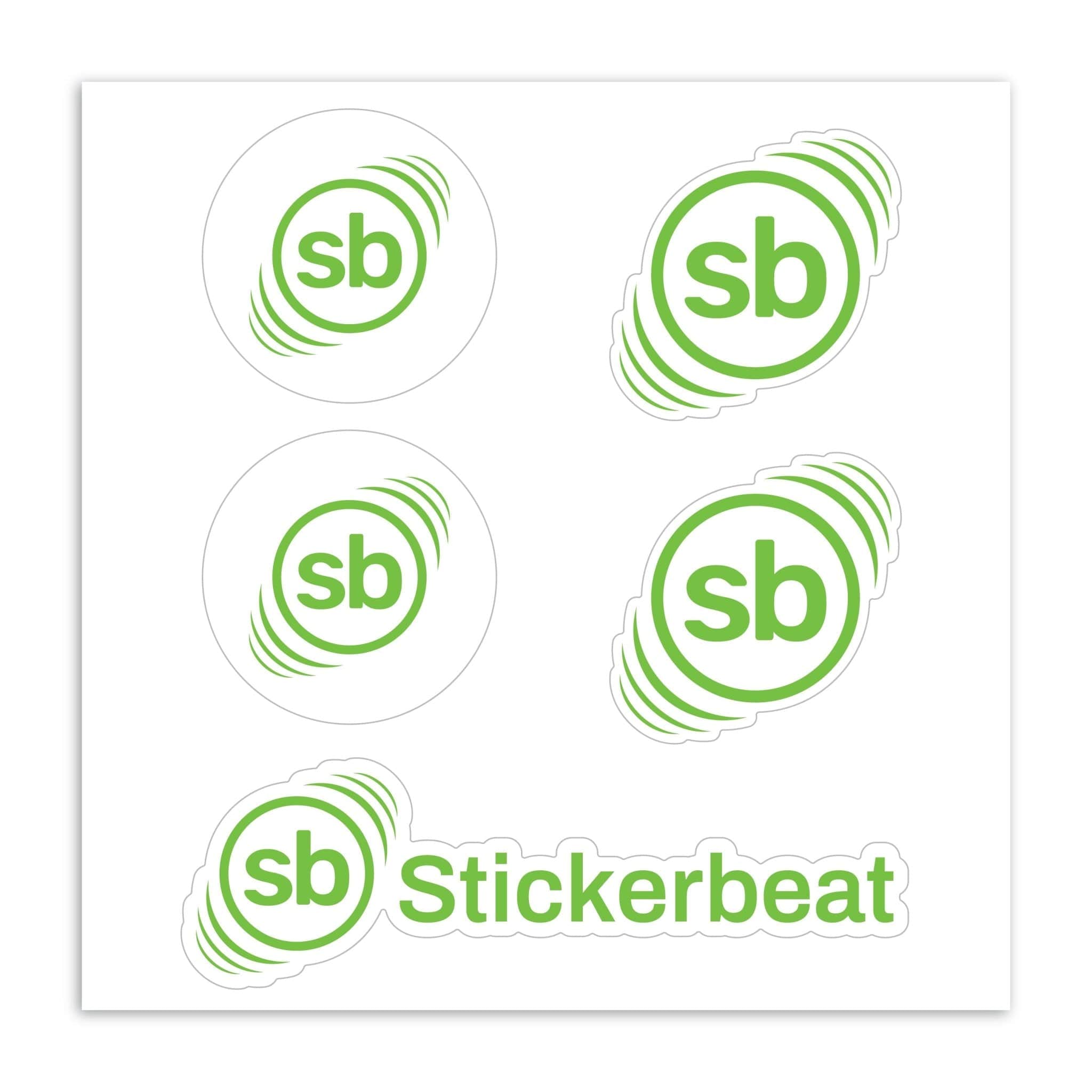
Sticker Sheets


Holographic Stickers

Custom Shape Roll Labels
30pt Magnets

Breakdown of Our QR Code Stickers

Lamination
Our custom QR code stickers have a 3.0 mil laminate that protects against wear. Choose a gloss or matte finish to match your design while keeping stickers scratch-resistant and clean-looking over time.

Ink
We print QR code stickers using Epson UltraChrome GS3 inks for sharp detail and vibrant colors. This ink system supports white ink and spot color printing, helping your artwork stand out with consistent quality.
3M Vinyl Layer
Each sticker is made from premium vinyl with a 3.2 mil block-out adhesive layer. This durable vinyl allows your QR code stickers to hold their exact shape, stick securely, and still remove cleanly without residue.

Waterproof Adhesive
Our QR code stickers use a weather-resistant adhesive that performs indoors and outdoors. The waterproof sticker material is dishwasher safe and designed to last up to five years without fading or peeling.
3M Backing Liner
Every order includes a silicone-coated backing sheet made from official 3M backing material. This liner keeps your QR code stickers flat and ensures each cut line releases smoothly when peeled.

Peel Here Tab (Optional)
For faster application, you can add a free Peel Here Tab. It's ideal for individual die-cut stickers, making them quicker to handle and apply.
QR Code Stickers That Make Connecting Easy
A quick scan connects customers to menus, online ordering, payment links, and social profiles, which makes QR codes one of the fastest ways to reach your business.
Our custom QR code stickers are printed with sharp detail using premium Epson UltraChrome GS3 inks, helping ensure your QR code remains clear and easy to scan. Like our other custom vinyl stickers, your QR code stickers are printed on 3M vinyl with a protective laminate, so they hold up to daily handling.
How to Create QR Code Stickers in Four Steps
Stickerbeat prints the QR code you supply, so start by generating it with any QR code generator you like.
Choose Your QR Code Type:
Decide what the scan should open, such as a website, review page, payment link, or digital contact card, and whether the code should be static or dynamic.
Download a High-Resolution File:
Export your QR code as a vector file such as EPS, AI, or PDF, or download a 300 dpi PNG or JPG sized to your final sticker. Starting from a clean, high-quality download keeps every small square of the pattern sharp in print.
Pick Your Options and Upload Your Code:
Choose a size, quantity, finish, and shape for your QR code stickers, then upload your file.
Approve Your Free Proof:
After checkout, our graphic designers send a digital mockup of your stickers. Scan the code on the proof with your phone, then approve it or request changes. Revisions before approval are free and unlimited, though extra rounds can extend delivery.
Static vs. Dynamic QR Codes on Printed Stickers
Most QR code generators let you choose between static and dynamic codes, and that choice decides how long your custom QR code stickers stay useful.
Static QR codes store the destination URL in the pattern itself. The code never expires and needs no subscription, but the link can't change after printing, so static codes suit permanent targets like your homepage or Google review page.
Dynamic QR codes point to a redirect link that your QR provider manages. You can update the linked content at any time, and the same printed sticker keeps working when your menu or offer changes. Many providers include scan analytics too. Keep your account active, since a dynamic QR code can stop redirecting if your subscription lapses or the provider shuts down.
Both kinds print the same way on our stickers. If your promotions change often, a dynamic QR code can save you from reprinting a large run of QR code stickers.
Design Tips So Your QR Code Stickers Scan Reliably
Keep Strong Contrast:
Print a dark QR code on a light background. Pale codes, light codes on dark stickers, and busy photos behind the pattern can cause failed scans. Brand colors work as long as the code stays clearly darker than its background, because phone cameras rely on that contrast for reliable scanning.
Leave a Clear Quiet Zone:
The quiet zone is the blank margin that tells a scanner where the pattern starts. Keep it free of text, graphics, and the cut line, and leave extra room when your QR code stickers use a custom shape.
Respect the Minimum Size:
The QR code itself must be at least 0.5" x 0.5" to scan properly, and the minimum size for this product is 1.5" x 1.5". Go bigger for windows and wall displays, and keep the destination URL short. A simpler pattern helps most scans succeed on the first try. Our sticker sheets allow smaller stickers, as long as each code meets the 0.5" minimum.
Place Your Logo With Care:
A logo beside the code, or a small one in the center if your generator supports it, makes your QR code stickers easy to recognize as yours. Keep it small enough that most of the pattern stays visible, and test your QR code design on a few phones before you upload it.
Perfect for Businesses, Product Packaging & Events
Custom QR code stickers are a simple way to share information without taking up valuable space. Businesses use them to direct customers to websites, Google reviews, contact information, loyalty programs, product details, and online ordering, while event organizers use them for registrations, schedules, and digital tickets.
On product packaging, custom QR code stickers can link buyers to setup guides, ingredient details, or reorder pages, and they double as product labels on jars and boxes. For large runs of identical labels, our roll labels are another option.
These stickers are equally useful for retail stores, restaurants, cafés, offices, trade shows, salons, gyms, real estate professionals, schools, and anyone who wants information one scan away.
Waterproof, Durable & Designed for Everyday Use
QR code stickers are often placed in high-traffic areas where they're exposed to frequent handling, sunlight, moisture, and everyday wear. That's why we print every QR code sticker on premium 3M vinyl with a protective laminate that helps resist scratches, fading, and water damage.
Whether your QR code stickers are displayed on storefront windows, countertops, tables, product packaging, or equipment, they stay sharp and easy to scan.
Sticker material makes the difference here. Paper adhesive labels from a home printer can smear or peel once wet, while our laminated vinyl QR code stickers are built for outdoor use and repeated cleaning.
Built for Marketing, Payments & Customer Engagement
A well-placed QR code sticker can simplify customer interactions while helping your business grow. Use these stickers to collect reviews, encourage social media follows, promote special offers, accept digital payments, provide product instructions, or direct customers to your website.
Because they're fully customizable, you can include your logo, brand colors, or additional design elements to create QR code stickers that feel like a natural extension of your brand identity.
Why Choose Stickerbeat QR Code Stickers?
As a Platinum 3M Select Graphic Provider, Stickerbeat produces every QR code sticker with genuine 3M vinyl, vibrant Epson UltraChrome GS3 inks, and precision die cutting.
Every order includes a free digital proof before printing and no setup fees. We can match Pantone (PMS) colors with up to 99% accuracy, which helps keep brand colors consistent on custom designs. With matte or gloss finishes, fast turnaround times, and materials built for long-term use, you can confidently create QR code stickers that work as hard as your business does.
Want to try us before a large order of custom QR code stickers? Visit our sticker samples page.
QR Code Stickers FAQ
What are QR code stickers?
What are QR code stickers?
QR code stickers are custom vinyl stickers that feature a scannable QR code. They can link customers to websites, menus, payment pages, contact information, social media profiles, product details, digital business cards, and much more.
Do you create the QR code for me?
Do you create the QR code for me?
We print the QR code you provide, so please upload a finished code with your sticker artwork. We don't design stickers from scratch, but our design team can make minor adjustments such as font or color changes, and we'll ask for a higher-quality file if yours is too low in resolution.
Can I change where my QR code goes after printing?
Can I change where my QR code goes after printing?
Only if you used a dynamic code. Dynamic QR codes let you edit the destination through your QR provider, while static QR codes keep the same link for good.
Are your QR code stickers waterproof?
Are your QR code stickers waterproof?
Yes. Our QR code stickers are printed on premium waterproof 3M vinyl and protected with a durable laminate that stands up to moisture, everyday wear, and outdoor conditions.
Will my QR code scan properly?
Will my QR code scan properly?
Yes, as long as the code you upload is sharp and has strong contrast. We print with Epson UltraChrome GS3 inks to produce crisp, easy-to-scan QR codes. For the best results, upload a high-quality QR code image and choose a sticker size that suits your viewing distance.
Can I customize the shape?
Can I customize the shape?
Absolutely. Your QR code sticker can be cut into virtually any shape, including circles, ovals, squares, rectangles, rounded corners, or a custom outline like our die cut stickers, which follow the edge of your design.
Can I include my logo?
Can I include my logo?
Yes. Many businesses add their logo, brand colors, or marketing message alongside the QR code to create a professional, branded sticker. If you also need stickers of the logo alone, see our custom logo stickers.
Where can I use QR code stickers?
Where can I use QR code stickers?
QR code stickers are commonly used on storefronts, restaurant tables, product packaging, cash registers, vehicles, event signage, office doors, windows, marketing materials, and promotional items.
What finish should I choose?
What finish should I choose?
Gloss creates a vibrant, eye-catching appearance, while matte offers a smooth, professional finish with reduced glare. Both provide the same durability and excellent scan performance.
What's the minimum order?
What's the minimum order?
The minimum order for QR code stickers is 50 stickers per design.
Can I print multiple QR codes?
Can I print multiple QR codes?
Each quantity applies to one design. If you need multiple QR codes that each lead to their own destination, add each design as a separate product.
How long do QR code stickers last?
How long do QR code stickers last?
Our premium vinyl QR code stickers are designed to last up to five years outdoors while maintaining vibrant print quality and reliable adhesion.
What size should my QR code sticker be?
What size should my QR code sticker be?
The ideal size depends on where it will be used and how far away it will be scanned. Smaller stickers work well for product packaging, while larger stickers are recommended for storefronts, signage, or displays viewed from a distance.